How to Redeem OC NPC Playground Codes
Be ready the moment the developer drops the first promo code.
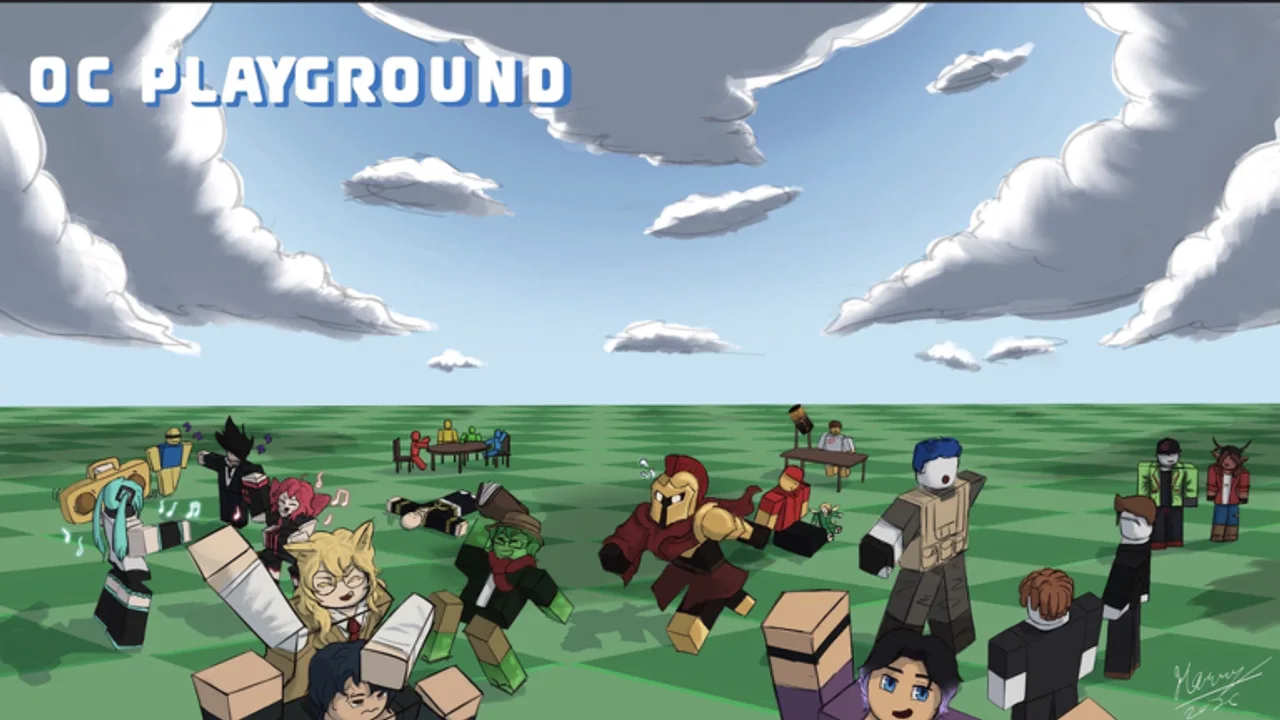
OC NPC Playground may not have active promo codes at launch, but players still search how to redeem codes because other Roblox NPC games reward milestones with free currency. This page explains the redemption patterns Roblox uses, what to expect if OC NPC Playground adds codes later, and how to avoid scams while waiting.
Current redemption status
We have not confirmed an in-game code menu in OC NPC Playground yet. The Codes Hub lists zero verified active strings. Treat any random code on social media as fake until we test it in the live experience and update the hub.
General Roblox code types
Understand three different systems so you do not waste time:
- Experience promo codes — entered inside a specific game’s UI (gift icon, settings menu, NPC interaction). These are what most wiki code pages track.
- Roblox.com/redeem — for official Roblox gift cards and platform promotions, not random YouTuber strings.
- Group or event codes — sometimes require joining a Roblox group and liking the game before a button appears.
OC NPC Playground will likely use type 1 if codes arrive. We will document the exact button location here when confirmed.
Expected steps when codes go live
Follow this checklist the day a code is announced on the official game page or creator profile:
- Launch OC NPC Playground from the verified link on Official Links.
- Wait for the experience to fully load into the lobby.
- Look for a Codes, Gift, or Settings icon — many Roblox games place these top-right or bottom-left.
- Type the code exactly as published (case-sensitive).
- Confirm rewards in any inventory or notification UI the game provides.
- Return to Codes Hub to see expiry notes.
Scam avoidance
| Scam | Reality |
|---|---|
| ”Free Robux code generators” | Always fake; never enter your password. |
| Codes from unrelated NPC games | Game-specific; NPC or Die codes will not work here. |
| Discord bots DMing loadstrings | See Scripts Hub — high ban and malware risk. |
| Sites asking for account cookies | Phishing — use only roblox.com. |
What rewards might look like
Creative sandboxes sometimes grant cosmetics, emotes, or private-server discounts rather than combat currency. When rewards appear, we will describe them beside each code on the Codes Hub. Until then, focus on Getting Started and Tools Hub for progression-free enjoyment.
Stay notified
Favorite the game, read Launch and Early Patches, and bookmark Codes Hub. We update both the moment a code works in our verification pass.
Related pages
- Codes Hub — active and expired lists.
- Scripts Hub — why exploits are not a substitute for codes.
- Official Links — verified URLs only.
Extended redemption checklist
Confirm place ID 128693673768020 before entering any string. Screenshot the first working redemption UI so this wiki can document exact labels after patches. If a code fails once, rejoin the experience before retrying — Roblox promo flags occasionally desync. Never share passwords with “code helper” sites; report scams through Roblox. Watch Creator Spotlight alongside Updates Hub for milestone announcements that often precede code drops.
Stay patient — creative sandboxes often ship codes later than combat grinders.
Frequently Asked Questions
Quick answers to the most common questions.
Is there a code button in OC NPC Playground now?
Not confirmed at launch. This page will list the exact steps when the developer adds a redemption UI.
Are codes case-sensitive?
Most Roblox experience codes are case-sensitive. Always copy them exactly from the Codes Hub.
Can I redeem on mobile?
Yes, once an in-game menu exists. Use the official Roblox mobile app and the same verified game link.