OC NPC Playground How to Spawn and Interact
Release your OC into the world and read NPC scenes like a director.
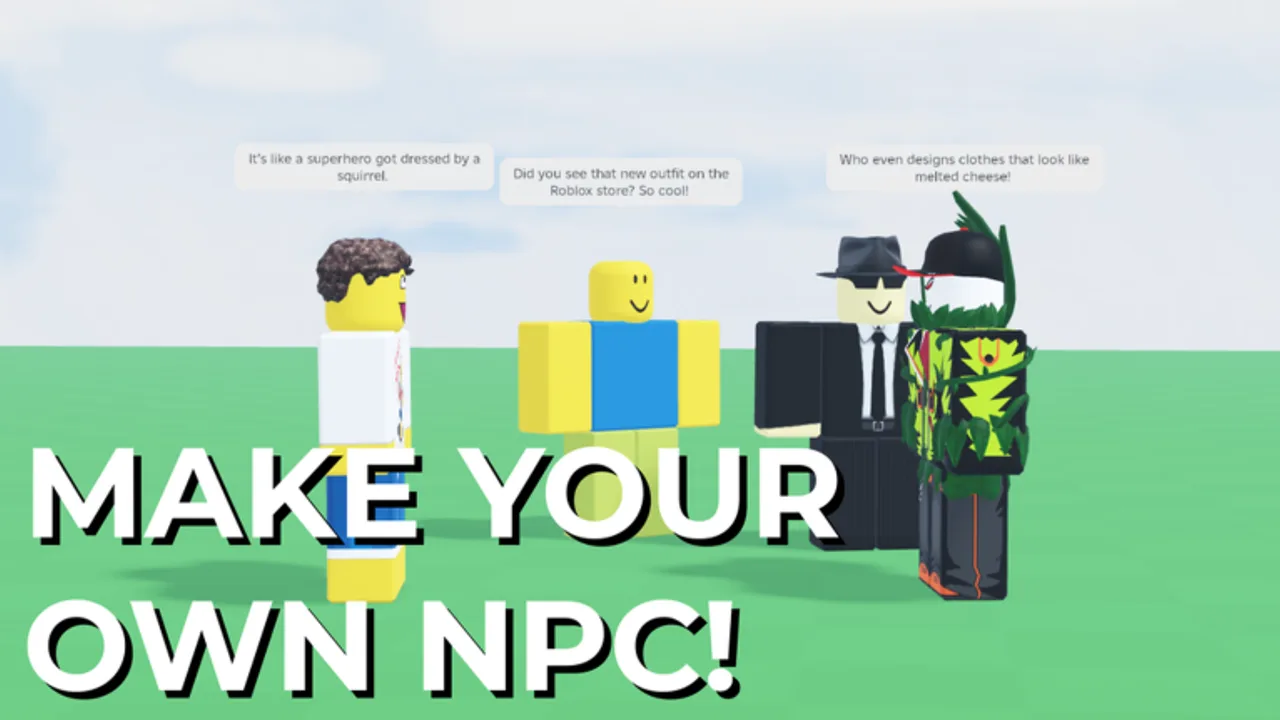
Spawning is the moment your OC stops being a menu project and becomes an NPC in OC NPC Playground. The official description tells you to press Spawn after finishing Create — this guide explains when to spawn, how to watch interactions productively, and what etiquette keeps public servers playable for everyone.
Before you press Spawn
Confirm you completed creation using How to Create an OC NPC. Double-check lore fields with the OC Creator Checklist. Decide whether you are in a public lobby or a private server — see Private Servers Guide if you are unsure.
Ask yourself three questions:
- Is the server crowded? Many active NPCs increase lag. Consider waiting or switching servers.
- Is my backstory specific enough? Vague OCs produce vague interactions.
- Am I ready to observe, not self-chat? You cannot talk to your own NPC by design.
Pressing Spawn
Use the Spawn button after Create. Your character enters the world as an NPC governed by the game’s interaction systems. You remain in the server as a player avatar, but your OC now acts according to the ruleset and the lore you provided.
What interaction means here
Interactions are NPC-to-NPC moments — your character engaging with other players’ OCs. You watch positioning, movement, and dialogue generated within performance limits. This is not a fully open AI chat room; the developer notes that unrestricted self-chat would make the game unplayable for most users.
Observer playbook
Treat yourself as a director watching a stage play:
- Camera discipline: Zoom to keep both NPCs in frame when recording.
- Patience: Scenes take time to develop; do not spam respawns if nothing happens instantly.
- Note-taking: Write down which lore hooks seemed to trigger reactions for your next build.
- Share credit: When posting clips, link the official game page.
Lobby etiquette
| Do | Avoid |
|---|---|
| Spawn one OC at a time in public servers | Spamming multiple spawns during peak hours |
| Move away if you block other players’ view | Standing inside NPC clusters while filming |
| Switch to private servers for large friend groups | Expecting human-level conversation from every NPC |
| Report bugs through Roblox | Using exploit scripts from Scripts Hub warnings |
If interactions feel dull
Revise your concept using the Interaction Setup Tier List and Lore and Backstory Guide. Sometimes a small tweak — giving your OC a public goal — matters more than respawning ten times.
Performance during spawn windows
If frame rate drops right after Spawn, read Performance Tips. Lower Roblox graphics quality, close background apps, and prefer private servers when testing heavy outfits.
Recording and sharing respectfully
When clipping NPC scenes, avoid UI clutter and credit the official game page. Do not mislabel clips as human chat — OC NPC Playground NPCs are explicitly not people. If a scene misfires, revise lore before respamming; viewers learn more from iteration than from ten identical spawns.
Observers should mute unnecessary voice chat so NPC ambient behavior stays easy to read on recordings.
When to respawn vs revise
One weak scene rarely means a failed OC. Before hitting Spawn again, edit a single lore bullet in Create — often a clearer motivation fixes dull interactions faster than a respawn loop. Reserve respawns for outfit overhauls or archetype pivots documented in the OC Archetypes Tier List.
Frequently Asked Questions
Quick answers to the most common questions.
What happens when I press Spawn?
Your customized OC enters the world as an NPC that can interact with other players' NPCs while you observe from your player avatar.
Can I control my NPC manually after spawning?
The game focuses on automated NPC interaction, not direct possession. You watch and iterate on future builds instead.
Why are interactions slow or quiet?
Crowded servers, vague lore, or performance throttling can reduce scene quality. Try private servers and sharper backstory hooks.