OC NPC Playground Controls and UI Reference
Every input and on-screen button you need for OC creation sessions.
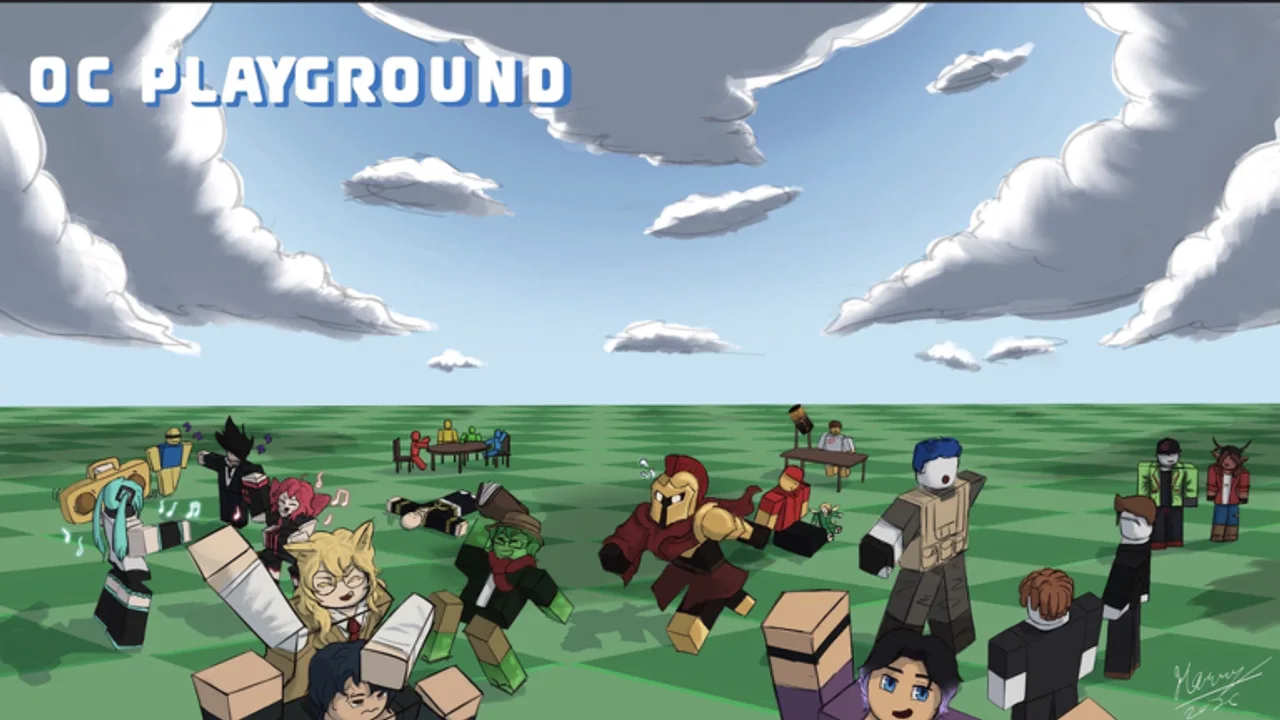
OC NPC Playground uses standard Roblox movement with a creator-first UI anchored in the top-left corner. This reference explains PC and mobile controls, where Create and Spawn live, and how to navigate menus without losing your place in a crowded lobby.
Movement and camera basics
Roblox handles locomotion the same way across most experiences. On PC, use WASD to walk, Space to jump, and hold right-click while dragging the mouse to rotate the camera. Scroll the wheel to zoom when the client allows it. On mobile and tablet, use the virtual joystick on the left for movement, the jump button on the right, and swipe anywhere on the screen to look around. Pinch gestures may zoom depending on your device and Roblox app version.
OC NPC Playground does not ship a unique combat control scheme — there are no attack combos or ability hotbars in this title. Your focus stays on positioning your avatar near interesting NPC clusters and opening creator menus quickly.
Create and Spawn — official UI anchors
The official Roblox description states that Create sits in the top-left of the screen. That button opens the OC builder where you customize appearance, lore, and backstory. When you finish editing, Spawn releases the character as an NPC in the world. Exact button art may change after patches; if labels move, check Launch and Early Patches and August 2026 Update.
Treat Create and Spawn as your primary workflow — everything else in the HUD is secondary. New players often waste time hunting through Roblox system menus when the game-specific controls are already on screen.
PC quality-of-life tips
- Lower graphics in Roblox settings if UI clicks feel delayed in public servers.
- Fullscreen or borderless window reduces accidental clicks outside the game frame.
- Rebind nothing unless you use accessibility tools — OC NPC Playground expects default Roblox bindings.
- Keep chat collapsed during spawn tests so NPC interactions stay readable.
If Create fails to open, rejoin the server once before assuming a patch broke the UI. Transient Roblox client bugs mimic game regressions.
Mobile-specific guidance
Mobile players dominate Roblox traffic for creative sandboxes. On phones:
- Use landscape orientation when possible — top-left Create is easier to tap.
- Close background apps before spawning multiple NPCs in public lobbies.
- Prefer private servers when testing detailed lore; typing long backstories on touch keyboards is slower and errors propagate into NPC behavior.
For a full mobile session checklist, read the Mobile Play Guide.
UI navigation during sessions
After spawning, you remain an observer — you cannot talk to your own NPC per the developer’s performance policy. UI time splits between:
- Watching NPC-to-NPC scenes in the world.
- Reopening Create to iterate on your next OC.
- Roblox escape menu for server list, reset character, or leave.
Avoid spamming Spawn while menus are open; overlapping prompts can confuse first-time players and stress low-end devices.
Controls comparison table
| Action | PC | Mobile / Tablet |
|---|---|---|
| Walk / run | WASD | Virtual joystick |
| Jump | Space | Jump button |
| Camera | Right-click drag | Swipe |
| Open OC builder | Create (top-left) | Create (top-left) |
| Release NPC | Spawn button | Spawn button |
| Leave experience | Esc → Leave | Menu → Leave |
Accessibility and input devices
Roblox supports gamepad navigation on Xbox and some Bluetooth controllers, but OC NPC Playground’s Create flow is optimized for mouse, touch, and keyboard. If you rely on assistive tech, test Create and Spawn in a private server first — public chat noise makes confirmation dialogs harder to parse.
When controls feel wrong
Three common causes:
- Wrong game — players open NPC Combat Playground by mistake. Verify place ID 128693673768020 via Official Links or OC vs NPC Combat.
- Patch day UI shifts — buttons may move after Roblox Updated timestamps change.
- Device thermal throttling — laggy input on mobile after long public sessions.
Related guides
- Getting Started — first-hour checklist.
- How to Create an OC NPC — builder fields explained.
- Performance Tips — reduce input delay.
- Private Servers Guide — stable UI testing environment.
Patch verification habit
After each Roblox Updated date on the official page, spend two minutes confirming Create still opens top-left and Spawn still releases NPCs. Report persistent UI regressions through Roblox reporting with screenshots — fan wikis cannot hotfix client bugs, but we document confirmed changes in August 2026 Update when behavior shifts reproducibly across servers.
Frequently Asked Questions
Quick answers to the most common questions.
Where is the Create button on PC?
The official description places Create in the top-left corner. Use landscape on mobile for the same layout.
Does OC NPC Playground have custom keybinds?
No unique combat binds. Movement uses default Roblox controls; Create and Spawn are on-screen buttons.
Why does my camera feel stuck on mobile?
Swipe with one finger away from UI buttons. Close Roblox chat overlay if it captures touches.