OC NPC Playground OC Creator Checklist
Run this list before every Spawn click.
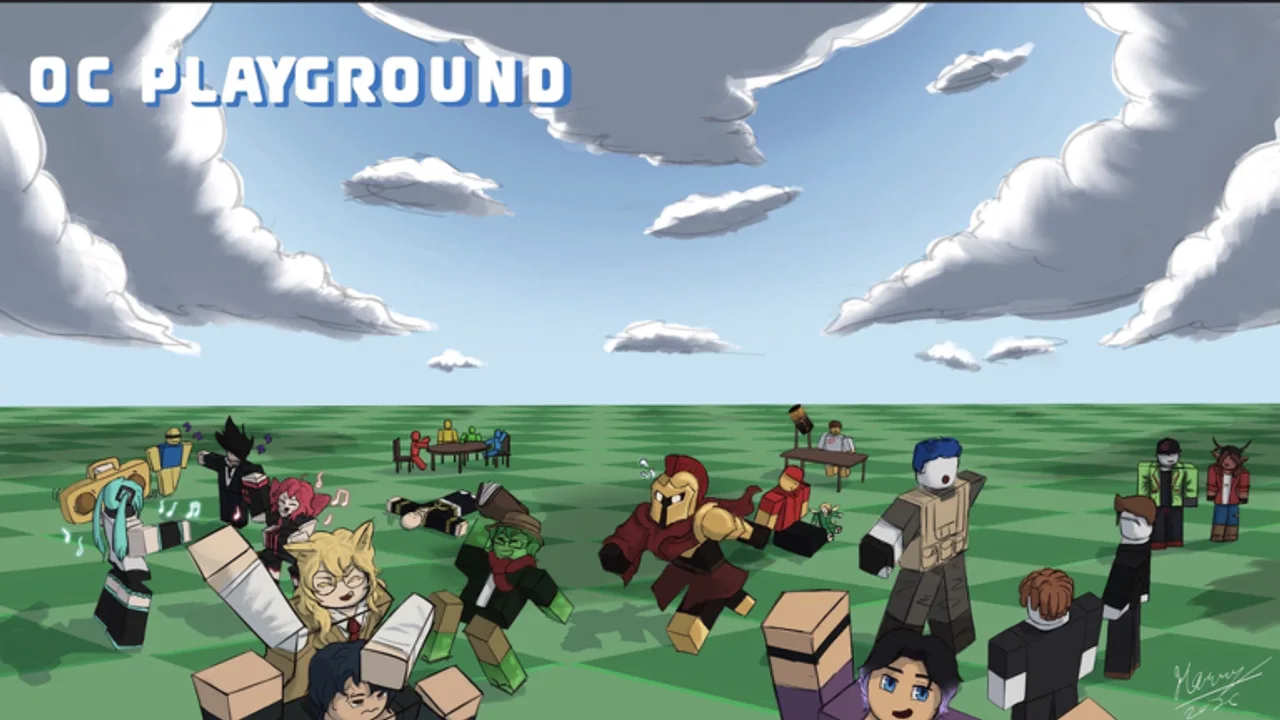
Use this OC Creator Checklist every time you build a character in OC NPC Playground. It compresses advice from How to Create an OC NPC, Lore and Backstory Guide, and Performance Tips into a repeatable workflow you can keep open on a phone while playing Roblox.
Section 1: Before opening Create
- I joined via the official game link.
- I decided public vs private server — see Private Servers Guide.
- I picked an archetype from the OC Archetypes Tier List.
- Roblox graphics are set appropriately for my device.
Section 2: Appearance
- Outfit matches one clear theme.
- Colors read well on mobile screens.
- Name is memorable and Roblox-appropriate.
- Accessories are not so heavy they tank FPS — Performance Tips.
Section 3: Lore fields
- Origin line written (one sentence).
- Current motivation defined.
- Voice described in three adjectives.
- Boundaries listed (what OC refuses to do).
- Used Lore Prompt Helper if stuck.
Section 4: Social planning
- If friends join, spawn order agreed via Session Planner.
- Everyone knows self-chat with your own NPC is unavailable.
- No one plans to use exploit scripts — Scripts Hub.
Section 5: Spawn readiness
- Server population checked.
- Create menu fully saved.
- Recording layout planned if clipping — How to Spawn and Interact.
- Post-spawn note space ready to track what lore worked.
After spawning
- Watched at least one full interaction before respawning.
- Bookmarked Updates Hub if behavior seemed bugged.
- Shared clips with game credit link from Official Links.
Quick links
- New player? Getting Started
- Codes? Codes Hub
- Patches? Launch and Early Patches
Checklist maintenance
Update your saved copy when Roblox adds new customization fields or when Launch and Early Patches mentions UI moves. Seasoned creators still run the checklist — it prevents accidental public spawn spam during outfit experiments.
Print or pin the checklist where your group can see it before every Create session.
Section 6: Accessibility and clarity
- OC name readable at default camera distance.
- Lore bullets free of real-player names without consent.
- No copyrighted franchise names in backstory.
- Voice adjectives match outfit tone (no cheerful lore on horror skins).
- Friends briefed that NPCs are not human — clip responsibly.
Section 7: Post-update verification
After Roblox patches OC NPC Playground, re-run sections 2–5 even for veteran OCs. UI moves hide Create buttons; new fields appear empty on old saves. Cross-check Launch and Early Patches before assuming your checklist is outdated.
Group host responsibilities
Hosts share the checklist link in chat before events, enforce staggered spawns, and stop respawn spam when FPS drops. One disciplined host prevents more drama than ten lore paragraphs. Pair hosting duties with Session Planner roles so everyone knows who calls the next Spawn window.
Mobile checklist tips
Split-screen Roblox with this wiki on mobile, or copy checkboxes into a notes app you already use. Touch targets in Create are small — completing lore on desktop first, then joining mobile for spawn-only sessions, reduces typos that weaken NPC hooks.
Frequently Asked Questions
Quick answers to the most common questions.
Should I use this checklist every time?
Yes for new OCs or group events. Quick outfit tweaks in private servers can skip social planning sections.
Can I print this checklist?
Copy the sections into your notes app or print this wiki page for offline reference during sessions.
What if I fail one checkbox?
Fix it before Spawn. Most bad sessions trace back to blank lore or overcrowded public servers.