OC NPC Playground Private Server Session Planner
Plan group OC sessions before anyone presses Spawn.
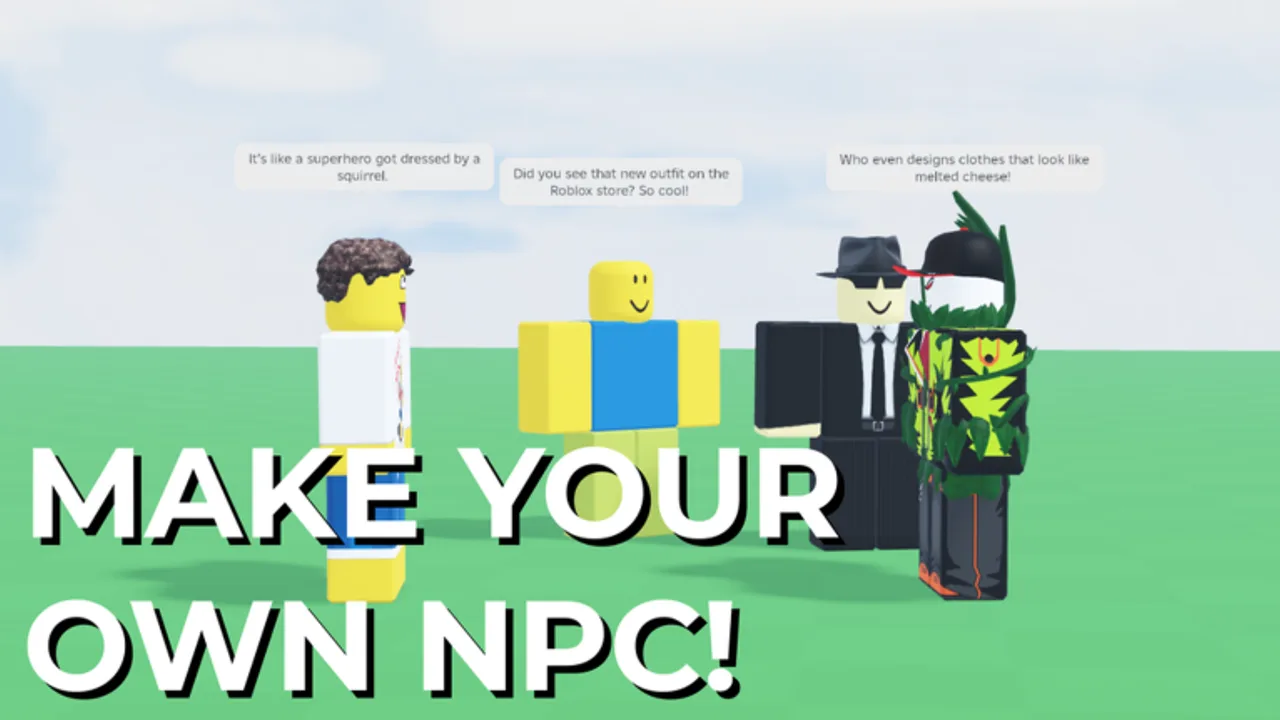
Group sessions fall apart when everyone spawns at once. This Session Planner helps hosts organize OC NPC Playground private-server events with clear timing, roles, and observation goals. Pair it with the Private Servers Guide and OC Creator Checklist.
Step 1: Event basics
Fill in before sending invites:
- Date / time + timezone:
- Private server host:
- Expected players (max 16 in experience):
- Session theme (optional): festival, rivalry day, newcomer introductions
- Roblox game link: Official Links
Step 2: Pre-session homework
Each player completes before join:
- OC built in Create — How to Create an OC NPC
- Lore bullets written — Lore Prompt Helper
- Archetype chosen — OC Archetypes Tier List
- Graphics tuned — Performance Tips
Step 3: Spawn schedule template
| Order | Player | OC name | Archetype | Spawn time (min:sec) |
|---|---|---|---|---|
| 1 | Host | Friendly Visitor | 0:00 | |
| 2 | Guest A | Street Mentor | 1:00 | |
| 3 | Guest B | Rival Cousin | 2:00 | |
| 4 | Guest C | Stoic Guard | 3:00 |
Adjust spacing if FPS drops. Never spawn more than one OC per player simultaneously in public tests.
Step 4: Role assignments
- Director — calls spawn times.
- Recorder — captures clips with game credit.
- Note-taker — tracks which lore hooks worked.
- Flex player — swaps archetype if someone disconnects.
Step 5: Observation goals
Pick one goal so the session has focus:
- Introduce three new OCs to each other.
- Test a rivalry arc across two spawns.
- Capture one clean 30-second interaction clip.
- Experiment with B-tier archetypes safely in private.
Step 6: Post-session debrief
- What lore hooks produced reactions?
- Did performance stay stable?
- Any bugs to report via Roblox?
- Update notes in Launch and Early Patches if behavior changed.
Public server variant
For solo or duo tests, shrink the schedule to one spawn and use off-peak hours — see Interaction Setup Tier List.
Related pages
- How to Spawn and Interact
- Creator Spotlight
- Codes Hub if event coincides with a code drop
Post-event documentation
After each planned session, archive spawn schedules and observation notes in a shared doc. Month-over-month logs reveal which archetype pairings deserve tier list updates. Clean documentation beats memory when Roblox patches shift spawn timing subtly.
Rotate the host role each week so everyone learns scheduling—not just one friend carrying events.
Time zone coordination
Private-server events fail when half the group misreads AM/PM. Publish schedules in UTC plus each player’s local offset in the invite message. Buffer ten minutes after the official start for Roblox login queues during peak hours.
Backup plans for disconnects
If the host drops, pre-assign a co-host who owns the private-server link. Flex players swap to missing archetypes only after the director confirms FPS is stable — never double-spawn to “fill silence.” Document disconnect lessons in the debrief so the next Interaction Setup Tier List experiment accounts for real-world friction.
Themed session examples
| Theme | Goal | Suggested archetypes |
|---|---|---|
| Newcomer night | Introduce three OCs | Friendly Visitor, Street Mentor, Rival Cousin |
| Rivalry arc | Two-scene conflict | Rival Cousin + Stoic Guard |
| Lore clinic | Test bullet clarity | Any A-tier with strict four-field lore |
| Clip hunt | One clean 30s interaction | S-tier setups only |
Integrating codes and milestones
When Roblox milestones hit, check Codes Hub before the session starts so nobody leaves mid-scene to search random Discord servers. If a code drops mid-event, pause spawns, redeem legitimately, then resume the schedule from the next slot — do not stack redeems with simultaneous NPC spawns.
Frequently Asked Questions
Quick answers to the most common questions.
How many players can join one session?
The experience supports up to 16 players per server according to Roblox metadata. Plan spawn order accordingly.
How much time between spawns?
Start with 45–60 seconds. Increase if lag appears or interactions need time to develop.
Do I need a private server for this planner?
It is optimized for private servers, but you can adapt the schedule for small off-peak public tests.