OC NPC Playground Mobile Play Guide
Play OC NPC Playground smoothly on phones and tablets.
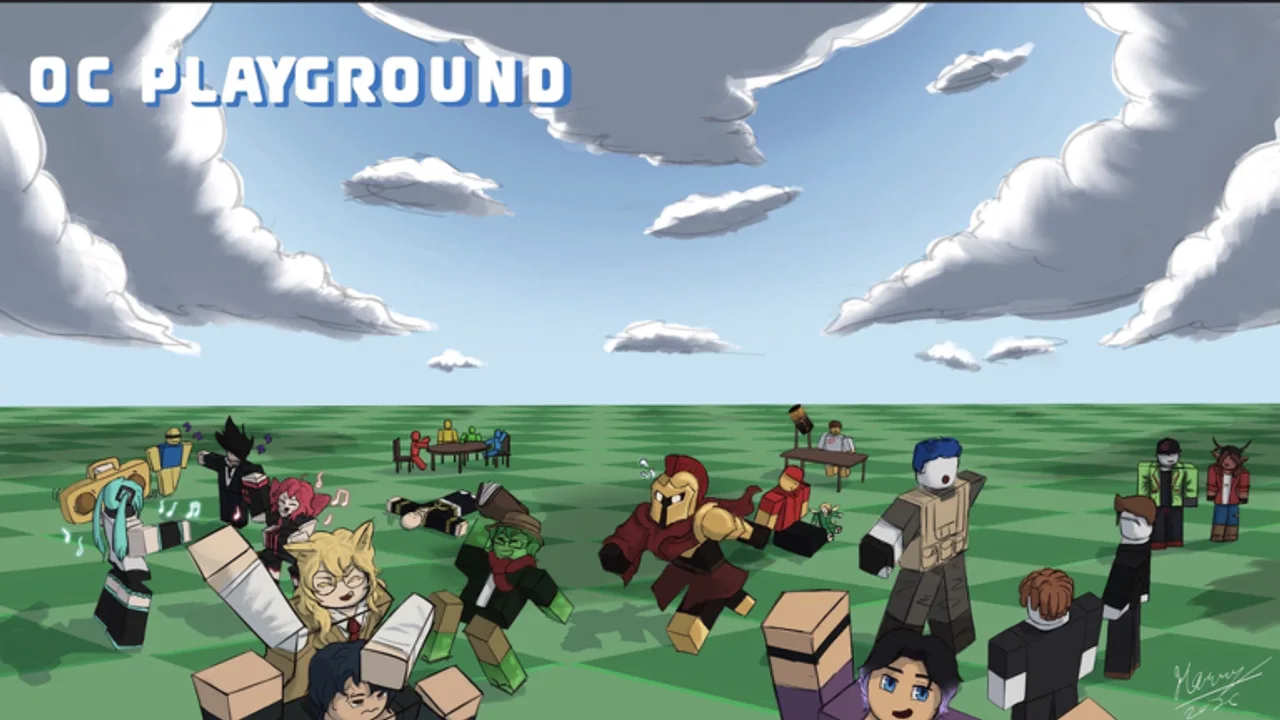
Roblox mobile players make up a huge share of OC NPC Playground traffic. The experience is free on iOS and Android, uses touch controls, and places Create in the top-left — but small screens and public-server lag create friction desktop players never see. This guide optimizes mobile sessions from install to spawn.
Install and account basics
Download the official Roblox app from your platform store. Sign in or create a free account. Search OC NPC Playground and verify Resurrected_Dove as creator before tapping Play. Confirm place ID 128693673768020 — see OC vs NPC Combat if search results look wrong.
Favorite the game inside Roblox so later joins skip confusing search pages.
Touch controls refresher
| Action | Gesture |
|---|---|
| Move | Left virtual joystick |
| Jump | Jump button (right side) |
| Camera | One-finger swipe on empty world space |
| UI taps | Tap Create / Spawn directly — avoid dragging from joystick |
Full keyboard reference lives in Controls and UI. Mobile has no advantage for typing long lore — draft backstory notes in a notes app, then paste if the creator supports clipboard paste in your client version.
Top-left Create on small screens
Phone notches and rounded corners can obscure HUD corners. Rotate to landscape when possible. On tablets, landscape is strongly recommended for creator menus.
If Create feels unresponsive:
- Tap once and wait — double-tapping may queue duplicate requests.
- Move away from crowded player clusters so floating name tags do not steal touches.
- Lower Roblox graphics quality to Performance in app settings.
Performance on mobile hardware
Public servers with many active NPCs drop frames faster on phones than on gaming PCs. The developer heavily encourages private servers partly because mobile GPUs choke when dozens of NPCs animate simultaneously.
Mitigation checklist:
- Host or join a private server for serious lore sessions — Private Servers Guide.
- Spawn one OC at a time while learning — Spawn and Interact.
- Enable Performance graphics mode.
- Close background music or video apps.
- Read Performance Tips before weekend peak hours.
Thermal throttling after twenty minutes feels like “broken controls” when it is actually CPU slowdown — pause in shade or near AC if you record clips outdoors.
Writing lore on touch keyboards
Mobile creators excel at short, punchy backstories because typing novels on glass is tedious. Use the Lore Prompt Helper to pick hooks before opening Roblox. Run the OC Creator Checklist so you do not reopen Create five times for missing fields.
Voice-to-text works for drafting, but proofread names and trigger words — NPC systems may misparse typos into odd dialogue.
Mobile social and safety
Roblox chat and friend joins behave the same as other experiences. OC NPC Playground NPCs are not real people — remind younger players that interactions are generated. Use Roblox parental controls and private servers when coaching kids through first OCs.
Never install third-party “Roblox mods” promising better NPC chat on mobile — see Scripts Hub.
Recording clips on phone
Built-in screen recorders work for short TikTok or YouTube Shorts. Keep UI clutter minimal, landscape frame when possible, and link the official game in captions. Ethical clip practices are covered in Recording and Clips.
When to switch to PC
Consider desktop for:
- Marathon writing sessions with long lore paragraphs.
- Hosting friends while monitoring Discord on second monitor.
- Comparing multiple OCs side by side with fast menu navigation.
Mobile remains perfect for quick spawn tests and watching NPC scenes on the go.
Related guides
- Getting Started — universal first steps.
- Controls and UI — full input table.
- Private Servers Guide — best mobile performance.
- August 2026 Update — latest stability notes.
Staying updated on mobile
Roblox app updates sometimes shift HUD scale. After updating the Roblox client, re-test Create and Spawn in a private server before publishing clips claiming UI changes — patch notes land in Updates Hub when we verify behavior.
Frequently Asked Questions
Quick answers to the most common questions.
Can you play OC NPC Playground on mobile?
Yes. Roblox iOS and Android clients support the experience with touch controls and the same Create top-left layout.
Why is mobile lag worse in public servers?
Many NPCs plus touch UI overhead stress phone GPUs. Private servers are heavily encouraged by the developer.
Should I use landscape on phones?
Landscape makes the top-left Create button easier to tap and gives more room for creator menus.